Creating a home office that balances comfort and productivity is essential for anyone working remotely or running a business from home. A well-organised and inviting workspace can improve focus, reduce stress, and make your workday more enjoyable. In this post, we’ll explore practical strategies to help you set up a home office that caters to your needs and makes working from home a breeze.
Choose the Right Location
Quiet and Away from Distractions
Select a space in your home that is as quiet as possible and away from high-traffic areas. This will help minimise distractions from family members, pets, or household noises. If a dedicated room isn’t available, choose a corner or nook that can be clearly defined as your work zone.
Access to Natural Light
Natural light improves mood and alertness, so try to position your desk near a window if possible. If natural light is limited, investing in good-quality artificial lighting that mimics daylight can help reduce eye strain and keep your energy levels steady.
Invest in Comfortable and Ergonomic Furniture
Ergonomic Chair
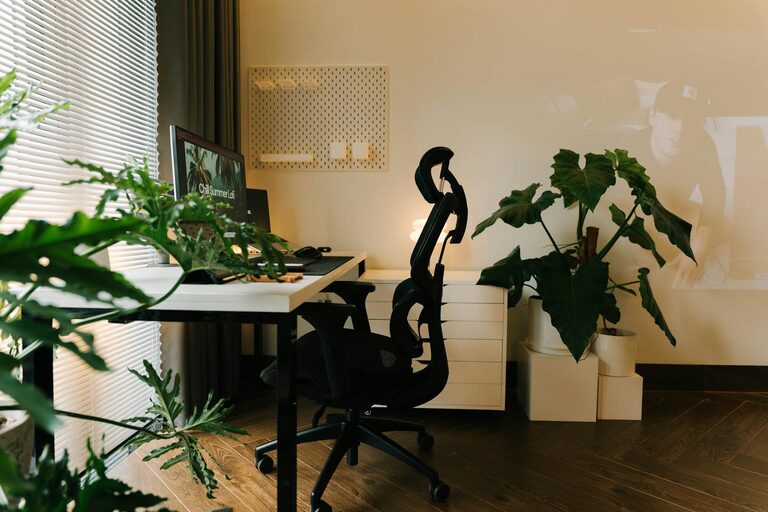
Comfort is key when it comes to long hours of sitting. An ergonomic chair with adjustable height and lumbar support can prevent back pain and promote good posture.
Desk Space
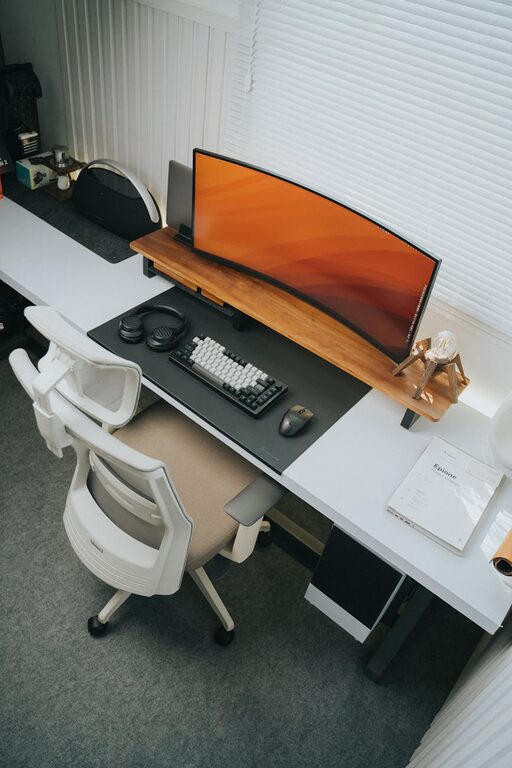
Choose a desk that fits your work style. It should be large enough to accommodate your computer, documents, and other essentials without feeling cramped. The height of the desk should allow your elbows to rest comfortably at a 90-degree angle when typing.
Monitor Positioning
Position your computer monitor at eye level, about an arm’s length away. This setup helps avoid neck strain and encourages a straight posture.
Organise Your Workspace for Efficiency
Declutter Regularly
Keep your workspace tidy by removing unnecessary items. A clean desk promotes clear thinking and reduces feelings of overwhelm.
Storage Solutions
Use shelves, filing cabinets, or desk organisers to keep important materials within reach but out of sight. Labelled storage boxes or folders help in quickly locating documents when needed.
Cable Management
Messy cables can be distracting and potentially hazardous. Use cable clips, ties, or trays to keep cords organised and prevent tangling.
Personalise Your Office
Add Greenery
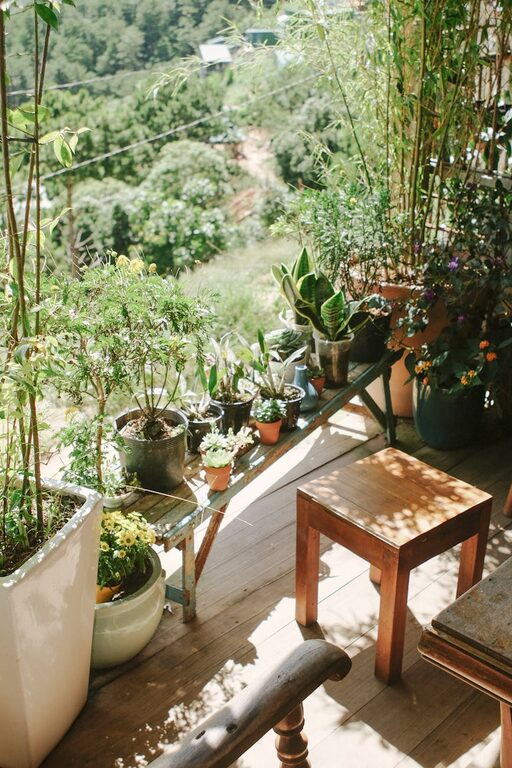
Plants not only brighten up the space but also improve air quality and reduce stress. Low-maintenance plants like succulents or pothos are ideal for home offices.
Personal Touches
Incorporate items that inspire you, such as artwork, photographs, or motivational quotes. These can enhance your mood and make your office feel welcoming.
Mind Your Lighting
Layered Lighting
Combine ambient lighting (overhead lights), task lighting (desk lamps), and accent lighting to create a balanced and functional environment.
Avoid Glare
Position your screen and light sources to avoid glare on your computer monitor, which can cause eye fatigue.
Maintain a Comfortable Temperature and Air Quality
Ventilation
Ensure your workspace is well-ventilated to keep fresh air circulating. Consider using an air purifier during seasons when windows stay closed.
Temperature Control
Work in a space with a comfortable temperature, typically between 18-22°C. Use fans, heaters, or adjust your thermostat as necessary to maintain comfort throughout the day.
Establish Boundaries and Routines
Set Clear Working Hours
Having defined work hours helps separate professional time from personal time, reducing the risk of burnout.
Take Regular Breaks
Stand up, stretch, or take a short walk every hour to boost circulation and refresh your mind.
Set Ground Rules with Others
Communicate your work schedule and space boundaries to household members to minimise interruptions.
Use Technology to Your Advantage
Reliable Internet Connection
A fast and stable internet connection is crucial for video calls, file sharing, and online collaboration.
Noise-Cancelling Headphones
If your environment is noisy, these can help you focus and participate effectively in virtual meetings.
Productivity Tools
Utilise apps or software for time management, note-taking, and task organisation to streamline your workflow.
Keep It Flexible and Adaptable
Your needs might change over time, so design your home office so you can easily adjust furniture or equipment. For example, consider a sit-stand desk to alternate between sitting and standing or modular storage that can be rearranged.
—
Creating a comfortable and productive home office environment takes some planning and thought, but the benefits are worth the effort. By carefully selecting your space, investing in ergonomic furniture, organising effectively, and managing lighting and temperature, you can transform your home office into a place where you look forward to working every day. Remember, a workspace that suits your personal preferences and work habits will help you perform at your best.
About the Author